
Memorial Galleries
A shared gallery for the memories that matter most
Family and friends text photos of your loved one to a private number. Everything gathers in one place — quietly, gently, and with no app to install.
- Ready in 60 seconds
- No apps or logins
- Works on any phone
- Private and secure
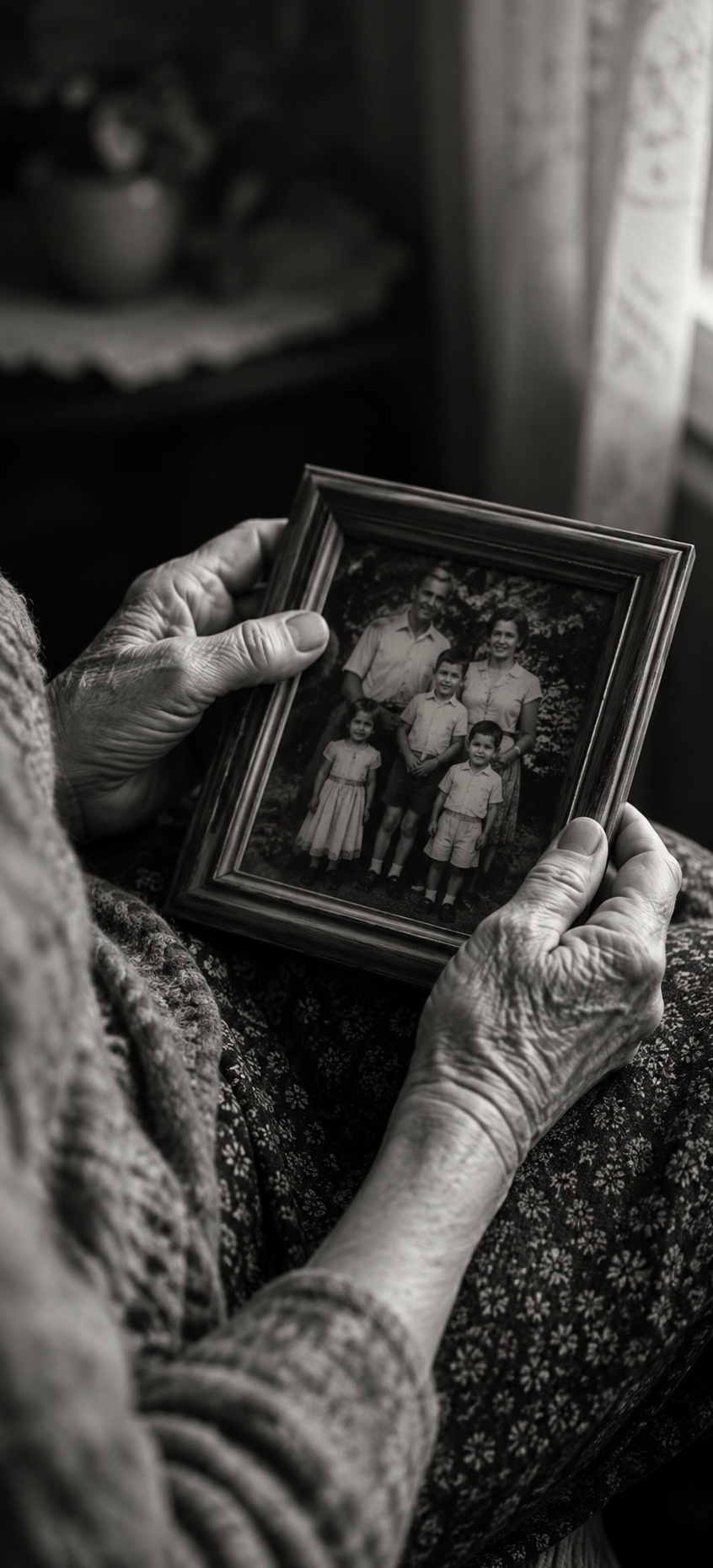
Why Families Choose QuickShare
A gentle way to gather a lifetime of memories
No app to explain. No account to create. Just text.
The photos you didn't know existed
Cousins have photos you've never seen. Old coworkers have the office birthday shot. Neighbors have the backyard barbecue from a summer you barely remember. When you invite everyone to text photos, decades of memories arrive in one gallery.
Easy for every generation
Grandchildren, siblings, lifelong friends, colleagues from thirty years ago — everyone knows how to text. No downloads, no sign-ups, no "how do I upload again?" phone calls during the hardest week of your life.
Private and respectful
Your gallery is only visible to people you share the link with. No public feeds, no hashtags, no search results. A private space to remember together.
How It Works
Set up in minutes, remember for a lifetime
A quiet, simple way to collect photos from everyone who loved them.
Create the memorial gallery
Choose a private phone number and name the gallery — often something like "Remembering Mom" or the person's name. Takes about a minute.
Share the number with family and friends
Include it in the memorial service program, in an email to the family, on a card at the reception, or in the funeral notice. Anyone who receives it can contribute.
Everyone texts the photos they treasure
Old vacation shots, school pictures, holidays, everyday moments. Guests text photos and short captions from wherever they are.
View, share, and keep the gallery
Display photos on a screen at the memorial. Share the gallery link with family who couldn't attend. Download everything to keep forever.
Features
Thoughtful features for memorial galleries
Slideshow at the service
Connect the gallery to a TV, monitor, or projector during the memorial service or reception. Photos appear as guests share them — a living tribute unfolding in real time. There is no TV app: open the gallery's slideshow link in the screen's web browser, or cast or mirror it from a phone or laptop. A private (admin-only) gallery's slideshow only opens on a screen signed in as the organizer or a collaborator.
Captions and short stories
Guests can add a note with each photo — a memory, a place, a year. The gallery becomes an oral history alongside the pictures.
Content review
Review photos before they appear publicly if you want to. Perfect for services with children present or shared displays.
Private link sharing
Only people who receive the gallery link can view it. Nothing is indexed publicly or shared to social media without your permission.
Download everything, forever
Download the full gallery whenever you want. The photos are yours to keep — for family archives, printed memorial books, or simply for the years ahead. Photos texted in arrive at the size phone carriers deliver, and carriers often shrink picture messages, so texted photos can be smaller than the originals. If print quality matters, ask family to send you their best originals directly as well.
Questions
Memorial photo galleries, answered
Is this appropriate for a funeral or memorial service?
Yes. Many families use QuickShare for celebrations of life, funeral services, wakes, and shivas. It gives distant family members a way to contribute even when they can't attend.
Do family members need to install an app?
No. There is nothing to install and no account to create. Guests simply text photos to the gallery's phone number the same way they would text anyone else.
Can I keep the gallery private?
Yes. Only people you share the link with can view the gallery. It is not indexed by search engines and there are no public hashtags.
Can I download all the photos afterward?
Yes. You can download the entire gallery at any time and keep it forever — for a printed memorial book, family archive, or simply to hold on to. One thing to know for print: photos texted in arrive at the size phone carriers deliver, and carriers often shrink picture messages, so they can be smaller than the originals. Ask family to send you their best originals directly as well.
How long does the gallery stay open?
That depends on the plan. Premium keeps the gallery open for 3 months of collection with a year of storage. Pro extends it to a full year of collection and two years of storage.
Can we display photos on a screen at the service?
Yes. Point any TV, monitor, or projector at the live gallery view and photos will appear as family members share them. There is no TV app: open the gallery's slideshow link in the screen's web browser, or cast or mirror it from a phone or laptop. A private (admin-only) gallery's slideshow only opens on a screen signed in as the organizer or a collaborator.
Photo quality tip
Send a few photos per text for better quality
Phones and carriers limit how big a picture message can be, and everything in one text has to fit under that limit. A text with many photos is often compressed more than a text with one or two. Ask guests to send photos a few at a time rather than a whole batch in one message.
Memorial Pricing
Plans that fit a memorial gathering
Most families choose Premium — enough time to collect from far-away relatives and a full year of storage.
Premium
Most popular for memorials.
For gatherings where you want time to collect from family and friends who couldn't attend, with a year of storage.
Up to
300 photos
Gallery open
3 months
Stored
1 year
- ✓ International WhatsApp support
- ✓ Slideshow display
- ✓ Custom auto responses
Pro
For extended collection.
When you want a full year to gather photos from far-flung family and two years of storage for the archive.
Up to
1000 photos
Gallery open
1 year
Stored
2 years
- ✓ AI content protection
- ✓ Custom branding
- ✓ Everything in Premium
A gathering place for the memories you'll always want to hold on to.
Start a memorial gallery in about a minute. No app required for family and friends.
Create a Memorial Gallery